
Reset your WordPress password
WordPress has a built in password recovery tool. If you have lost your WordPress password you can use the tool to reset it to a new one.
Begin by accessing your website's domain name with /login/ on the end of it.
For example https://YourWebsite.com/login/
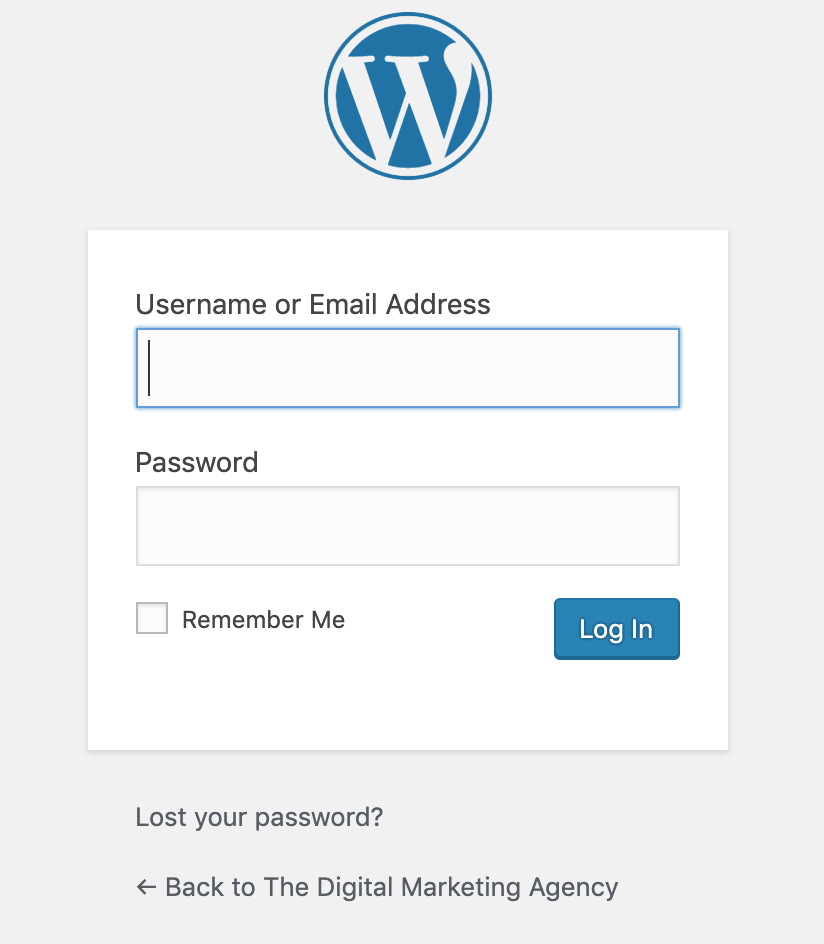
This will show you the WordPress login screen. At the bottom of this interface, look for the link "Lost your password". Click this to enter your email address and begin the password reset process.
If you're not able to get this working for your situation, contact The DMA support team.